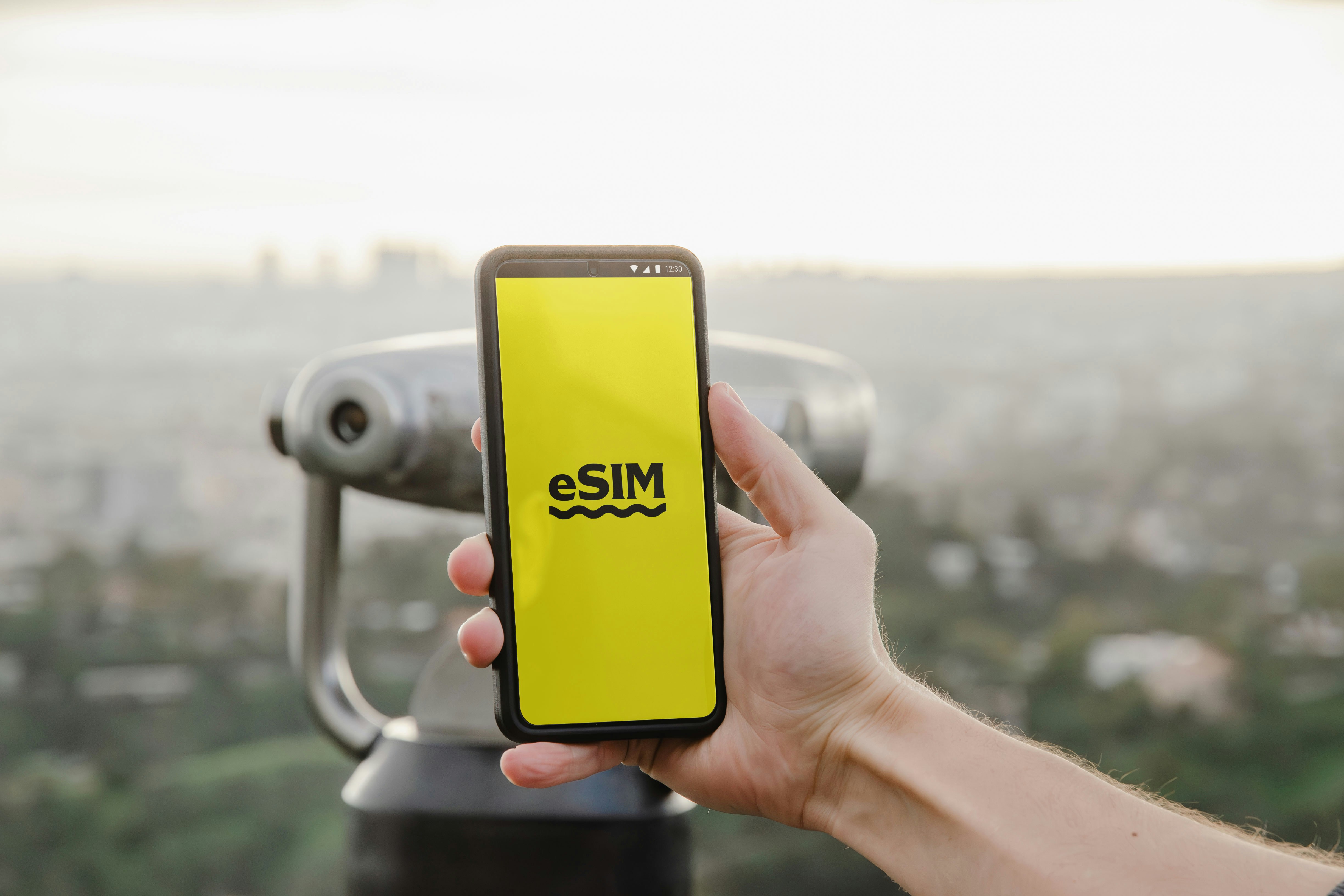
Internet tokyo travel is the simple search that leads you to reliable options. Plan ahead and avoid airport stress. Choose an eSIM, local SIM, or pocket Wi Fi based on length of stay and data needs. Activate quickly, follow device steps, and start maps, translation, and ride apps without delay. This guide helps you compare options, check compatibility, and pick the most seamless choice for Tokyo. Expect practical tips, device advice, and easy CTAs to buy from USIMS. Take control of your connectivity before departure and stay connected the moment you land.
Plan smart, travel confident, stay online in Tokyo. Follow proven steps to pick the best data option for your itinerary. Choose based on speed needs, how many devices you carry, and whether you want local numbers. Activate an eSIM in minutes on supported phones. Rent a pocket Wi Fi for group trips, or buy a local SIM for long stays. This guide focuses on practical, second-person tips, and helps you compare costs, ease of setup, and roaming limits. Read the device compatibility notes and follow USIMS activation guidance to avoid setup delays. Use the CTAs to review plans and secure your connection before arrival.
Why USIMS is great for Tokyo guide
According to the USIMS coverage map, USIMS offers access to major Japanese networks in Tokyo, giving reliable urban coverage and good speeds. See USIMS plans for current pricing and availability.
Follow the activation steps listed on USIMS support for device-specific instructions
USIMS plans often include flexible eSIM options, instant delivery, and clear validity windows. Activation usually takes minutes on compatible devices, with QR or manual entry options. When you compare providers, look for multi-network access, clear APN instructions, and responsive support channels. USIMS provides step-by-step activation help and plan details on the website to reduce setup friction. The service shows which networks you will use in Tokyo, and offers short-term and longer validity plans. That transparency makes planning effortless for short trips or month-long stays.
Compare plan options for Tokyo guide
Typical plan sizes and validity vary by need:
- 1–5 GB, 7 days, best for short city breaks, light browsing and maps.
- 10–15 GB, 14–30 days, ideal for moderate use, navigation, social, and streaming.
- 20–50 GB, 30 days, good for heavy users, remote work, or families sharing data.
- Unlimited or high-cap options, shorter durations, useful when consistent streaming is required.
Single-country vs multi-country/global differences:
- Single-country (Japan-only) plans use local Japanese networks for consistent speeds.
- Multi-country plans include Japan plus neighboring countries, useful for regional trips.
- Global plans trade slight price savings for broader coverage; check per-country speed caps.
Which traveler type each suits:
- Short tourist: 1–5 GB, quick eSIM activation.
- Business visitor: 10–20 GB, reliable single-country plan.
- Family or group: shared pocket Wi Fi or higher GB eSIM.
- Multi-city Asia traveler: multi-country plan to avoid switching.
Consider device limits and the number of devices you need to connect when choosing a plan.
Best choices for internet tokyo travel
Prioritize instant activation and local network access. An eSIM provides a seamless setup if your phone supports eSIM profiles. Pocket Wi Fi offers shared connections for small groups. A physical local SIM gives a local number and can be cost effective for long stays, but requires a physical swap and potential unlocking. Check device compatibility before purchase to ensure a smooth activation.
internet tokyo travel tips for device
Check phone support pages before buying an eSIM. For iPhone, review Apple support on eSIM setup, the official guide helps avoid activation errors.
For Android, consult your device maker for eSIM compatibility and APN settings, and check Google or Samsung support pages as needed.
Keep your original SIM in a safe place, and enable Wi Fi calling or data roaming depending on your plan.
troubleshooting
If activation fails, restart your phone and retry the QR scan or manual entry. Confirm airplane mode is off and that your device is unlocked for cellular networks. If problems persist, contact USIMS support and follow the activation steps listed on USIMS support (usims.com) for device-specific instructions.
How USIMS compares to other providers
Airalo offers compact eSIMs for short trips, with an easy app purchase flow,. USIMS differs by highlighting specific local network access in Tokyo and providing detailed activation steps on the site, which can help when signal selection matters.
Holafly markets unlimited data options in some countries. USIMS differs by offering a range of GB-based plans and clearer network mapping for Tokyo, which helps you choose speed and cost tradeoffs.
Trust signals and device compatibility
Look for clear network and speed info before purchase. Check device manufacturer support pages for vendor-specific compatibility; for example, Apple’s eSIM guide explains supported models and setup steps.
Confirm your phone is carrier unlocked to accept foreign SIMs. Read plan terms and coverage maps on USIMS to verify roaming and local network use. See USIMS plans for current pricing and availability.
Practical steps to buy and activate
- Choose plan size based on days and data needs.
- Purchase from USIMS and receive an activation QR or code instantly.
- Scan QR and follow on-screen prompts; if needed, use manual entry.
- Restart the phone and select the new data plan in settings.
Follow the activation steps listed on USIMS support (usims.com) for device-specific instructions
When to pick pocket Wi Fi vs eSIM vs local SIM
- eSIM, instant setup, no physical swap, best for modern unlocked phones.
- Pocket Wi Fi, shared access for groups, battery and rental logistics apply.
- Local SIM, local number and potentially longer term savings; needs unlocked phone.
Compare plans now to pick the right size for Tokyo, then activate before landing to save time. Review USIMS options and secure instant delivery at purchase. Choose an eSIM for fastest setup or a pocket Wi Fi for group travel and portable hotspots. Start here to compare and buy.
Closing tips
Carry a local map app and translation app, set up offline caches, and keep a backup power bank. Test your connection immediately after activation to confirm speed and roaming settings. For vendor-specific eSIM limits or multi-eSIM management, check your device manufacturer support pages before purchase.