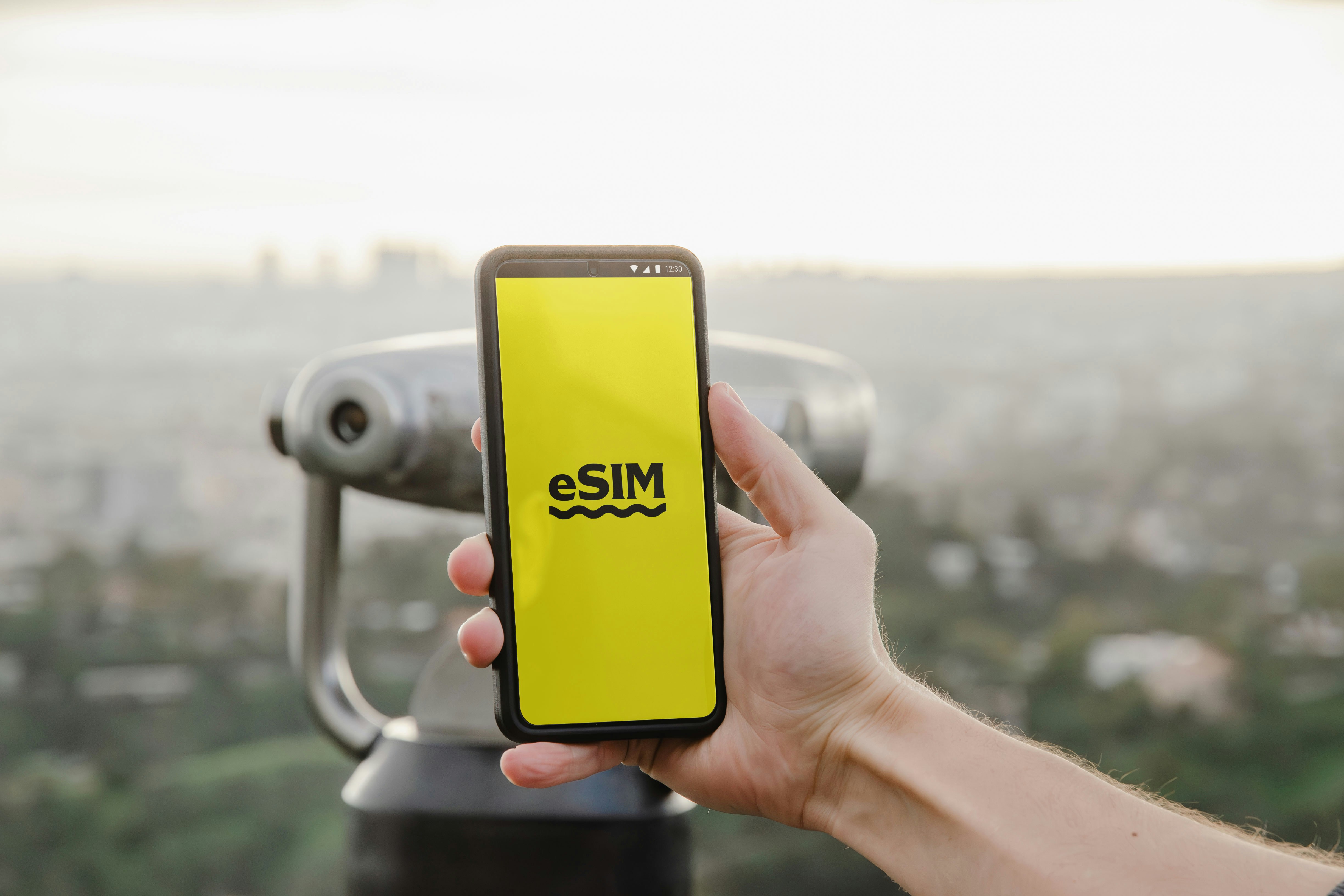
You want reliable data overseas without swapping SIM cards, and setup eSim travel gets you there fast. This guide walks you through activation, device checks, APN and network tips, offline maps, and streaming setup so you can buy and go. You will find step-by-step activation instructions, quick troubleshooting, and persuasive next steps with direct buy links to speed the process. Follow the checklist, follow the activation steps listed on USIMS support (usims.com) for device-specific instructions, and you will be online in minutes.
Why USIMS is great for How to Set Up an eSIM: Step-by-Step for Travelers
USIMS offers a simple purchase and activation flow that suits travelers who need data quickly. According to the USIMS coverage map (usims.com), their service connects to multiple local networks, which helps with regional reliability and multi-country roaming. This matters if you plan cross-border travel and need uninterrupted data.
USIMS lists activation steps and plan details on their support pages, so you can confirm device compatibility and workflow before you buy. See USIMS plans for current pricing and availability: https://www.usims.com
Trust signals: USIMS shows coverage maps and support documentation, which reduces setup friction. For device-level behavior check official manufacturer support pages, for example Apple or Android support, to confirm your model supports eSIM. Modern iPhone models with eSIM support (iPhone XS and later) and many recent Android models support eSIM, check your device manual or manufacturer site for exact model support.
Step-by-step eSIM setup and activation
Use this checklist before you buy
- 1Check device compatibility, battery level, and software updates.
- Confirm you can add an eSIM via your phone settings. If uncertain, check your device manufacturer support pages.
- Choose your USIMS plan and save the purchase link.
Activation steps (typical)
- 1Buy the plan on USIMS and receive a QR code or activation link. Follow the activation steps listed on USIMS support (usims.com).
- Open Settings on your phone, go to Cellular or Mobile Data, choose Add eSIM or Add Cellular Plan.
- Scan the USIMS QR code or enter details from the activation email.
- Label the plan, set your default line for data or voice as needed, and enable cellular data for the eSIM.
- Restart your phone if the network does not register immediately.
USIMS support activation guide: USIMS support
Device notes
- Apple: Follow Apple’s eSIM instructions on its support site for iPhone, especially for dual-SIM settings.
- Android: Steps vary by vendor, check your phone maker’s support pages for exact menus.
APN, rural coverage, offline maps, and streaming needs
If data does not connect, check these common items first
- APN/network tips: Check the APN settings in your cellular settings or contact USIMS support via usims.com for help.
- Rural coverage: According to the USIMS coverage map (usims.com), coverage varies by region, so check maps before traveling to remote areas. Consider a larger plan or local SIM fallback for long rural stays.
- Offline maps: Download offline maps while on Wi-Fi to reduce data used for navigation. This helps in rural coverage gaps.
- Streaming needs: Streaming uses significant data, so choose larger GB buckets if you plan heavy video use.
Quick troubleshooting
- No service after activation: Toggle airplane mode, restart, and reselect the eSIM in Mobile Data settings.
- Slow speeds: Confirm network selection and check USIMS coverage maps for expected speeds.
- APN problems: Verify APN settings or contact USIMS support.
Next steps and buy links
You are ready to pick a plan, activate, and travel. Buy now, follow the activation steps on USIMS, and test your connection before you leave.
- Quick action CTA: Buy and activate in minutes at USIMS, follow the seller flow to get setup. https://www.usims.com
- Helpful CTA: Need help? Visit USIMS support for device-specific activation steps. https://www.usims.com
- Purchase CTA (explicit): Get How to Set Up an eSIM: Step-by-Step for Travelers plan: https://www.usims.com
Closing
Setup is faster than you think if you verify device support, choose the right plan, and follow USIMS activation steps. Keep offline maps and a small data buffer for remote areas. If you run into issues, USIMS support and your device maker’s support pages will guide you.
USIMS coverage map and plans: USIMS coverage and plans
Fact box (quick facts and solutions)
- Fact: Many modern phones support eSIM. Solution: Confirm on your device support page, then proceed.
- Fact: Activation often uses a QR code. Solution: Keep your camera and Wi-Fi ready, follow USIMS support (usims.com).
- Fact: Rural coverage varies. Solution: Check the USIMS coverage map (usims.com) and download offline maps.
- Fact: Streaming consumes 2–3 GB per hour for HD. Solution: Choose higher GB plans if you stream.
- Fact: APN or network issues are often solvable. Solution: Check APN settings or contact USIMS support via usims.com.
Get How to Set Up an eSIM: Step-by-Step for Travelers plan